Accessing the colour scheme settings
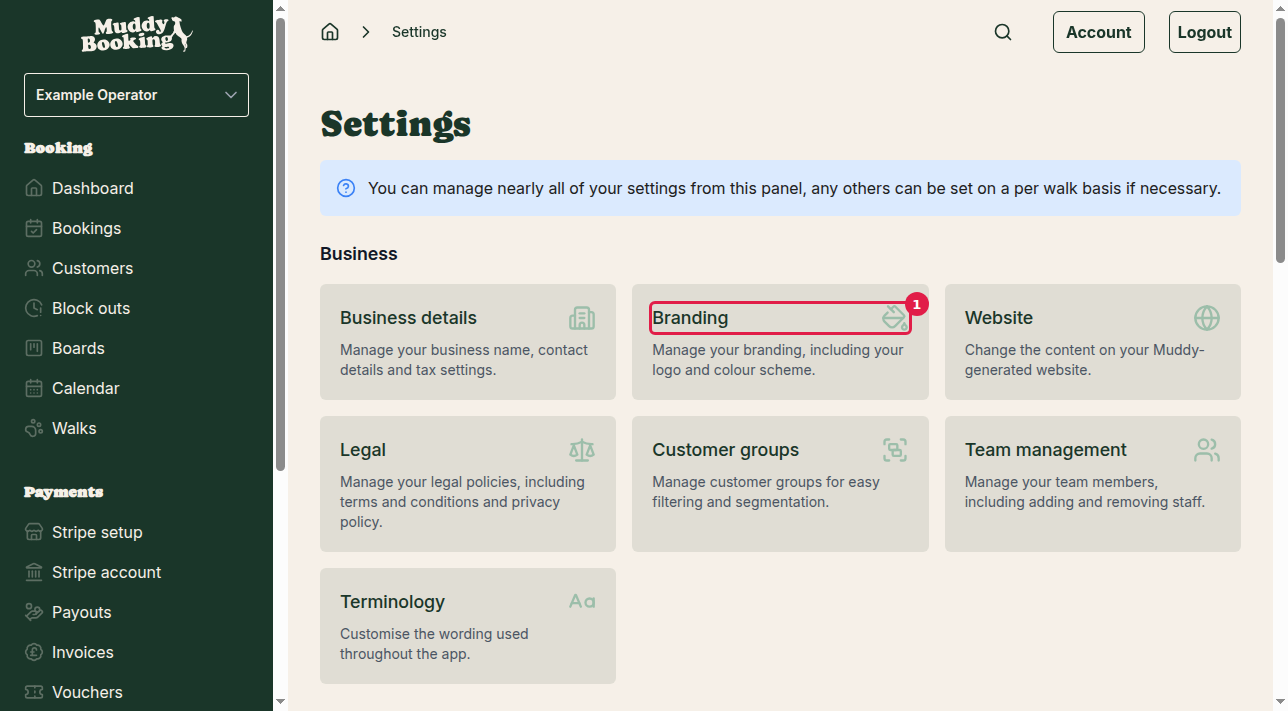
The colour scheme sets the colours of your booking forms and your admin area. To change it:
- Go to Settings
- Click Branding (1) in the Business section
Selecting your colour scheme
On the Branding settings page, the Colour palette section has seven schemes to choose from (1):
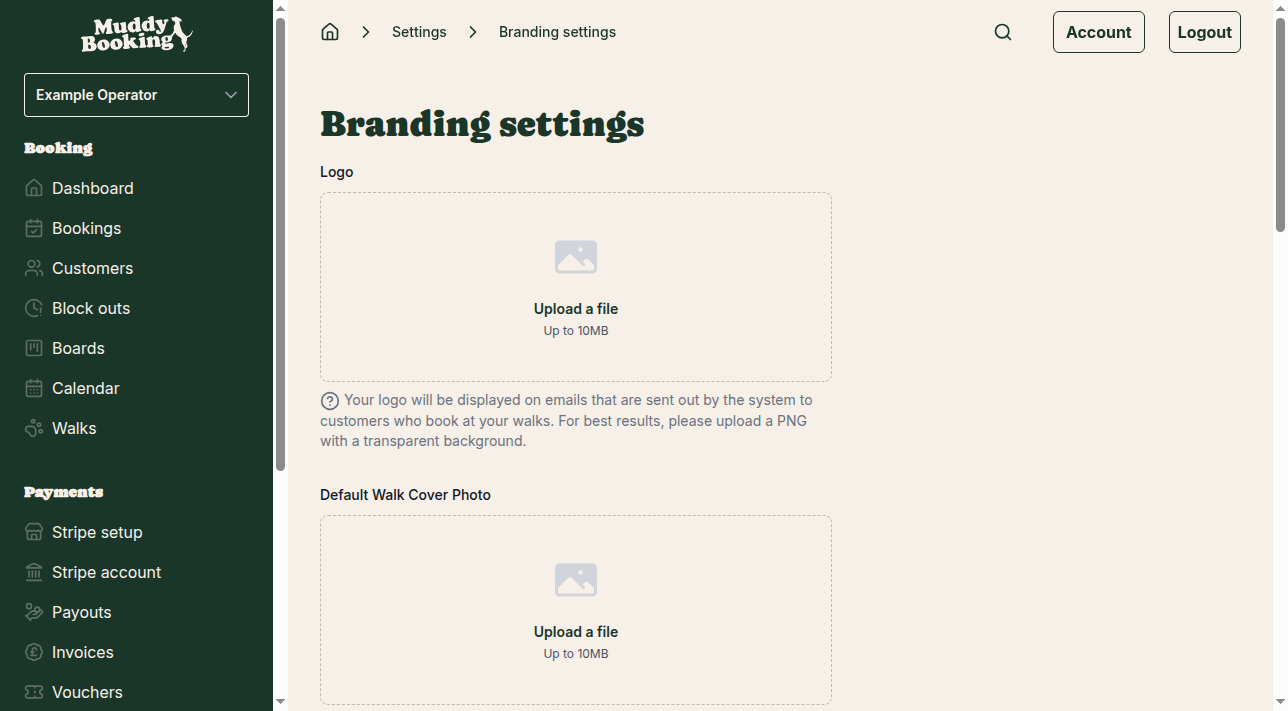
- Muddy: the original Muddy Booking colours
- Frosty Paws: cool, icy tones
- Pawsh Pink: pink
- Red Set Go!: bold red
- Pumpkin Pup: autumn orange
- Bark Mode: dark
- Noble Paws: muted and elegant
Click a scheme to select it.
Saving your changes
Click Save (1) at the bottom of the page.
The new colours apply straight away to:
- Your admin area
- Your booking forms
- Any other Muddy pages your customers visit
Important notes
- There's no preview, so you'll only see the new colours after clicking Save
- The scheme applies across your whole account, not to a single walk
- You can change it as often as you like